


Introducing Collections: Build and Share Your Own Game Lists on WeLike
Your library just got a serious upgrade. Group your games into custom, shareable Collections, no more scrolling through one giant list to find "games I'm playing with friends."
Your game library tells a story, but until now it's been a single, unsorted shelf. Today that changes: Collections are live on WeLike.red.
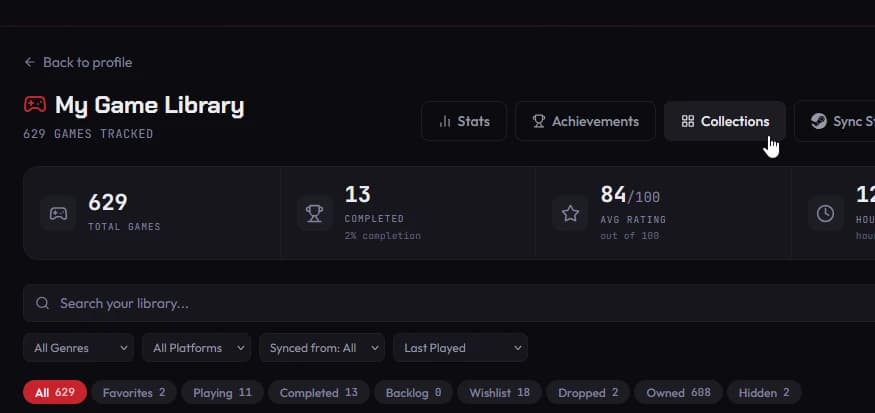
Collections let you group any games from your library into your own custom lists, separate from your Playing/Completed/Backlog status and separate from your Favorites. Think "Cozy games for rainy days," "Couch co-op with the crew," "2026 GOTY contenders," or "Games I'm mad I paid full price for." However, you think about your library, Collections let you organize it that way.
How it works:
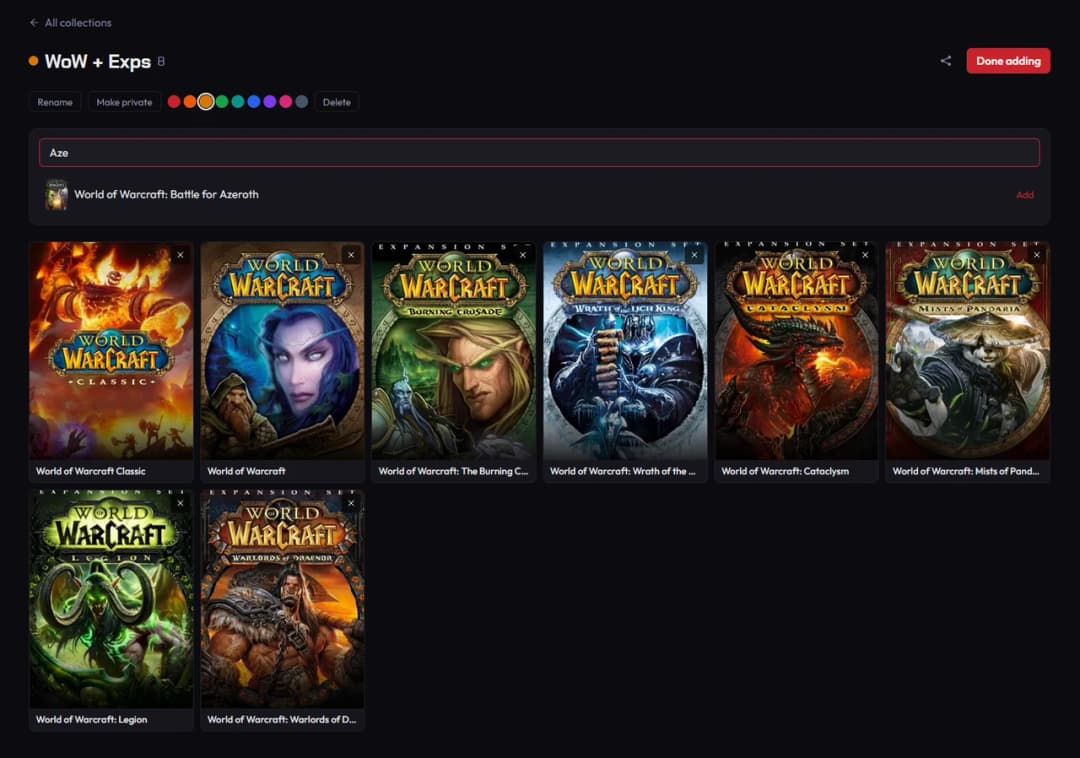
Create up to 20 Collections, each holding up to 500 games
Pick a name, an accent color, and an optional icon, so your Collections are easy to tell apart at a glance
Add any game from your library to as many Collections as you want, a game can live on "Favorites," "Metroidvanias," and "Currently streaming" all at once
Drag to reorder your Collections however you like, right from your profile
Set each Collection to Public so anyone can browse it, or Private if it's just for you
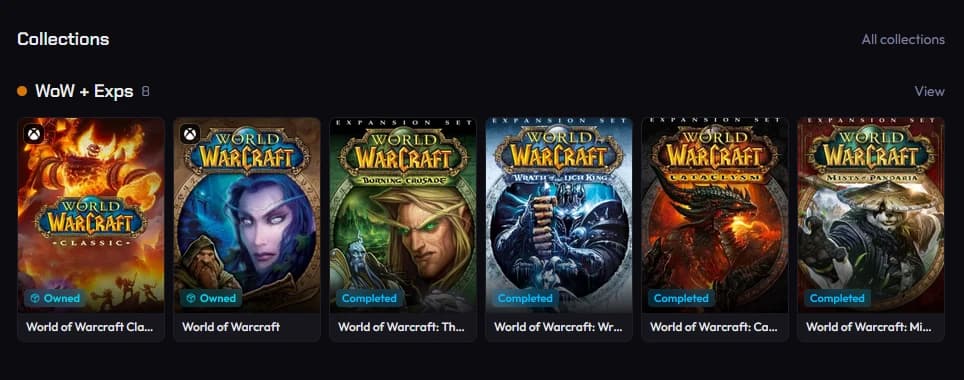
Public Collections show up right on your profile as game-card sections, your Overview tab surfaces a quick preview, and your full Collections page lists everything with room to browse more of each list. Every Collection gets its own shareable page and link, so when someone asks "what should I play next," you don't have to type out a list in Discord. Just send them the link.
This is the first step toward making your WeLike profile the definitive home for your gaming identity, not just a score and a backlog, but a curated, personal take on your library that's actually worth sharing.
Ready to build yours? Head to your profile, hit "New Collection," and start organizing. We can't wait to see what you put together.